Activity & Work Logging
Track Work, Invoice Instantly
Log every hour and task as you go. When it is time to invoice, convert your activity log into invoice items with one click.
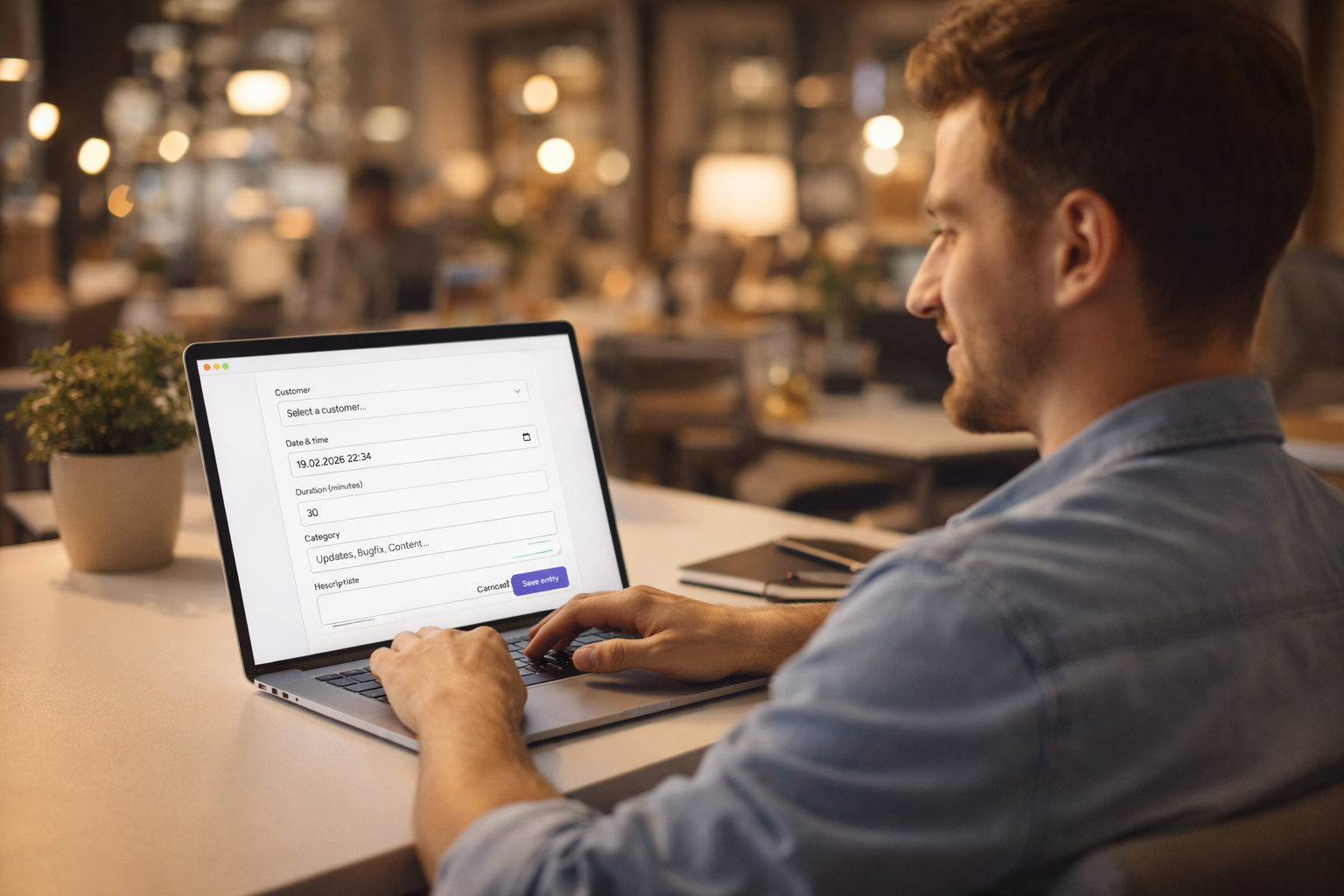
Log Activities as You Work
Each activity log entry captures the date, time, duration in minutes, a description, and optionally an hourly rate. Link it to a customer and website for full context.
No timers to forget or complex interfaces to learn. Just log what you did, when, and how long.
- Log date, time, duration, and description
- Link activities to customers and websites
- Optional hourly rate per entry
Convert Activities to Invoice Items
When creating an invoice, you can select any uninvoiced activity entries for the chosen customer. DoneAndBilled converts them into invoice line items automatically.
Once used on an invoice, the activities are marked as billed so they are never accidentally double-counted.
- Select uninvoiced activities when creating an invoice
- Activities converted to line items automatically
- Billed activities are clearly marked
Hourly Rates Per Activity
Set a different hourly rate for each activity type or task. DoneAndBilled calculates the amount automatically based on the duration you logged.
This is useful when you have different rates for different clients or types of work.
- Set an hourly rate per activity entry
- Amount calculated automatically from duration
- Different rates for different work types
See What's Billed and What Isn't
The activity log always shows whether each entry has been included on an invoice or is still outstanding. You get a clear picture of unbilled work at a glance.
When you are ready to invoice, you know exactly which activities to include.
- Clear billed / unbilled status per entry
- Filter to see only uninvoiced activities
- No manual tracking or spreadsheets needed
Completely Optional – Works Alongside Manual Items
Activity logging is optional. You can create invoices with only manual line items if you prefer, or mix logged activities with manually added services and products on the same invoice.
There is no obligation to use the activity log – but when you do, invoicing becomes much faster.
- Use it only when it helps your workflow
- Mix logged activities and manual items on one invoice
- No lock-in to a particular billing model
Frequently Asked Questions
Still have questions?
Can't find what you're looking for? Drop us a message.
Stop losing track of billable work.
No credit card required. Free plan available. Start logging and invoicing in minutes.
Start free →